How to Get a U.S. Census Bureau API Key
As of May 2026, the Census Bureau requires an API key for every Census Data API request — previously a key was only needed for high-volume use. If you’re working with Census data for a class project this term, you now need a key before you can pull anything.
Good news: it’s free, takes about 5 minutes, and there’s no special student or institutional requirement — any email ending in .com, .net, .org, .gov, or .edu works fine.
Step 1: Go to the Signup Form
Visit api.census.gov/data/key_signup.html and fill in:
- Organization Name — e.g. your university or program name
- Email Address — any standard email works
- Check “I agree to the terms of service”
- Click Request Key
You’ll immediately see a confirmation page:

Step 2: Check Your Email
Within a few minutes, you’ll receive an email from the Census Data API Service with the subject line “Census Data API Key Request”. It contains your 40-character key and an activation link.
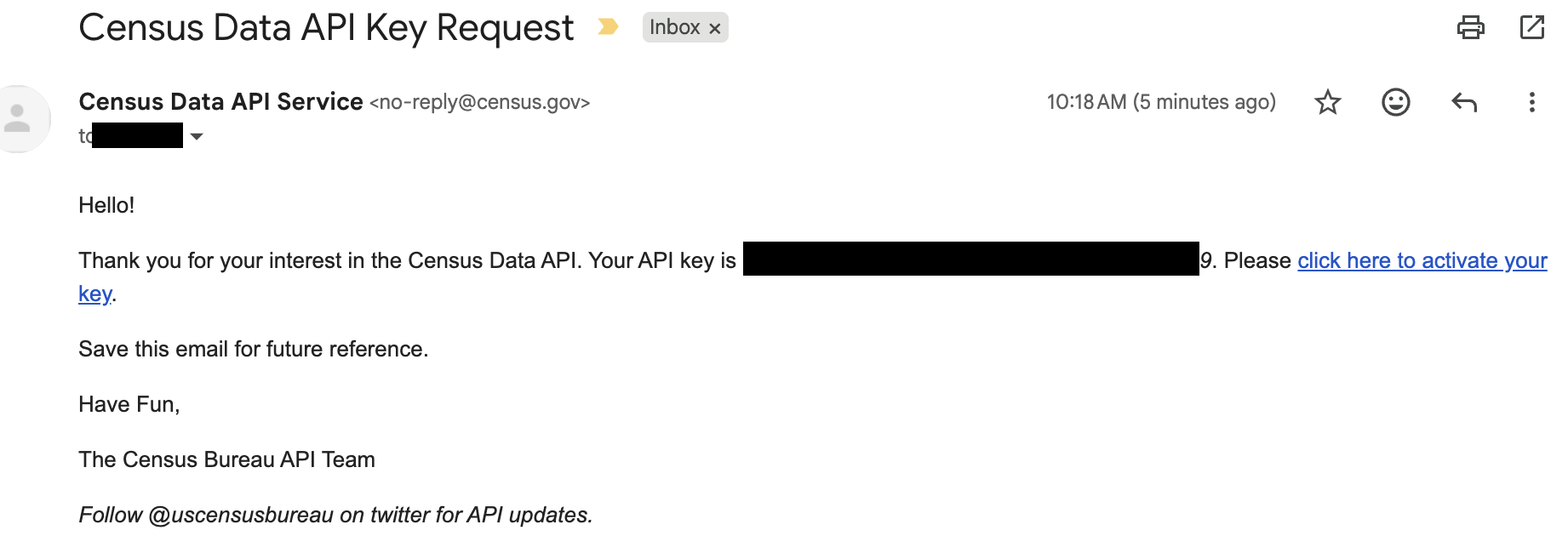
Your key does nothing until you click that activation link.
If you check this email through an institutional inbox (Office 365, Proofpoint, Mimecast, etc.), the security scanner sometimes rewrites the activation link, which can throw an “unknown key” error when clicked. If that happens:
- Right-click the activation link → Copy Link Address
- Paste it into a text editor
- Find the real
https://api.census.gov/...URL embedded inside the longer, rewritten one - Paste that original URL into your browser instead
This is the single most common snag students run into — a personal Gmail or other non-institutional address avoids it entirely, which is why it’s a good fallback if the school email keeps failing.
Step 3: Activate the Key
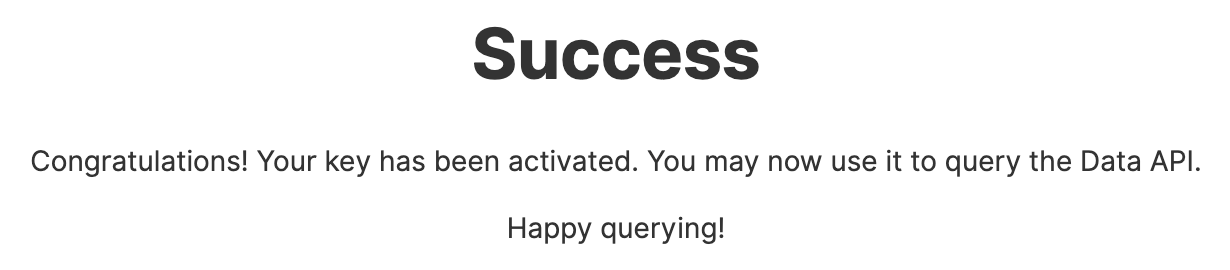
Click the activation link (or the extracted original URL). You should land on a confirmation page:
Step 4: Test the Key
Paste this URL into your browser, replacing YOUR_KEY with your actual key:
https://api.census.gov/data/2020/dec/dp?get=NAME,DP1_0001C&for=state:*&key=YOUR_KEYYou should get back state-by-state population data, starting with Alabama:
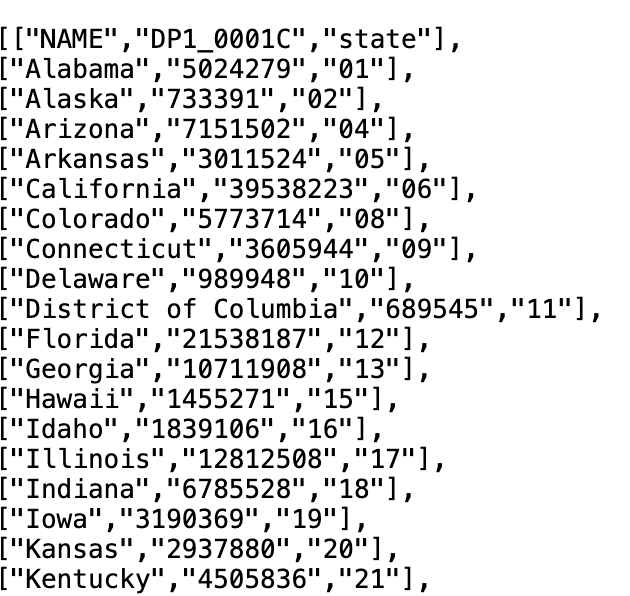
If it doesn’t work right away, wait a few minutes — activation can take a moment to fully propagate. If it’s still failing after that, request a new key with a different email address rather than troubleshooting the same one indefinitely.
Keep Your Key Private
Treat your API key like a password:
- Don’t commit it to GitHub or share it in code you post publicly
- If you’re sharing a notebook or script, replace your real key with a placeholder like
YOUR_KEY_HERE - Save the confirmation email — it’s the only place your key is shown in full