How to Get a U.S. Census Bureau API Key
Good news: it’s free, takes about 5 minutes, and there’s no special student or institutional requirement — any email ending in .com, .net, .org, .gov, or .edu works fine.
Step 1: Go to the Signup Form
Visit api.census.gov/data/key_signup.html and fill in:
- Organization Name — e.g. your university or program name
- Email Address — any standard email works
- Check “I agree to the terms of service”
- Click Request Key
You’ll immediately see a confirmation page:

Step 2: Check Your Email
Within a few minutes, you’ll receive an email from the Census Data API Service with the subject line “Census Data API Key Request”. It contains your 40-character key and an activation link.
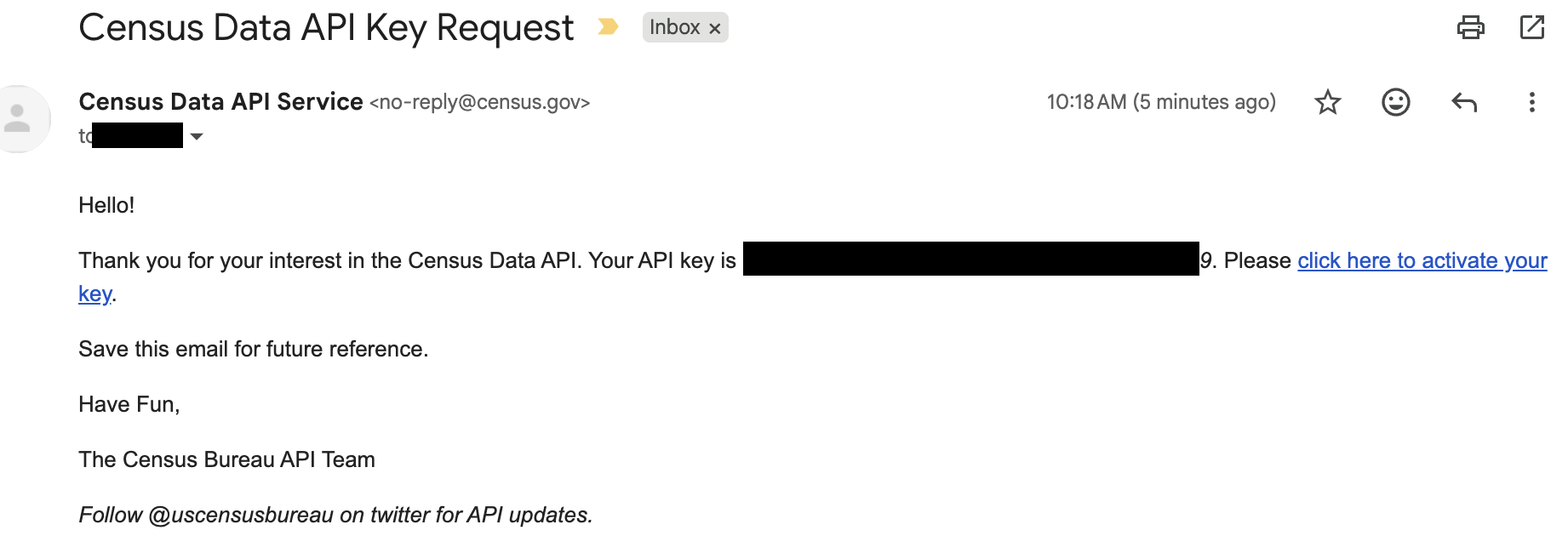
Your key does nothing until you click that activation link.
- Right-click the activation link → Copy Link Address
- Paste it into a text editor
- Find the real
https://api.census.gov/...URL embedded inside the longer, rewritten one - Paste that original URL into your browser instead
This is the single most common snag students run into — a personal Gmail or other non-institutional address avoids it entirely, which is why it’s a good fallback if the school email keeps failing.
Step 3: Activate the Key
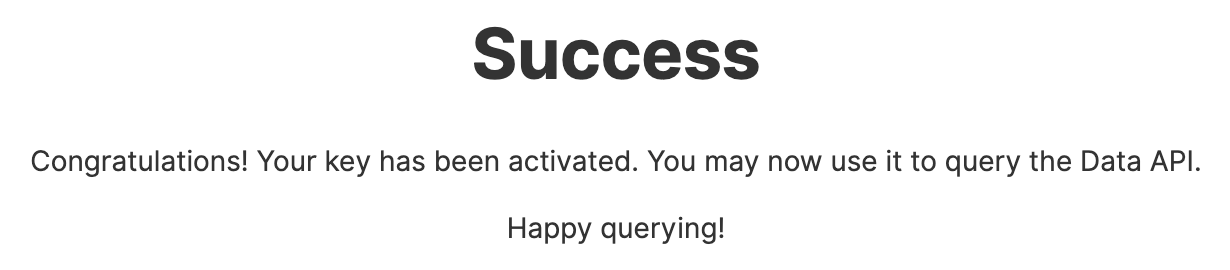
Click the activation link (or the extracted original URL). You should land on a confirmation page:
Step 4: Test the Key
Paste this URL into your browser, replacing YOUR_KEY with your actual key:
https://api.census.gov/data/2020/dec/dp?get=NAME,DP1_0001C&for=state:*&key=YOUR_KEYYou should get back state-by-state population data, starting with Alabama:
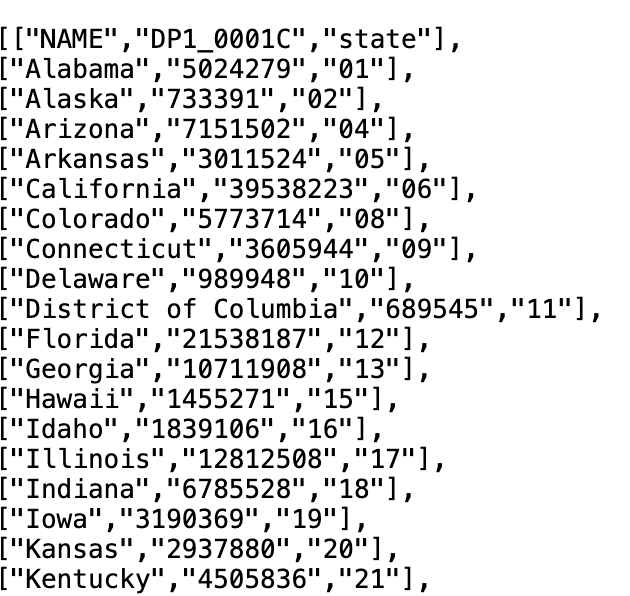
If it doesn’t work right away, wait a few minutes — activation can take a moment to fully propagate. If it’s still failing after that, request a new key with a different email address rather than troubleshooting the same one indefinitely.
Keep Your Key Private
Treat your API key like a password:
- Don’t commit it to GitHub or share it in code you post publicly
- If you’re sharing a notebook or script, replace your real key with a placeholder like
YOUR_KEY_HERE - Save the confirmation email — it’s the only place your key is shown in full